Android Tablet Rentals for Field Teams: A Setup Checklist for Surveys and Inspections
· By admin · Android & Samsung Tablets, Tablet Rentals
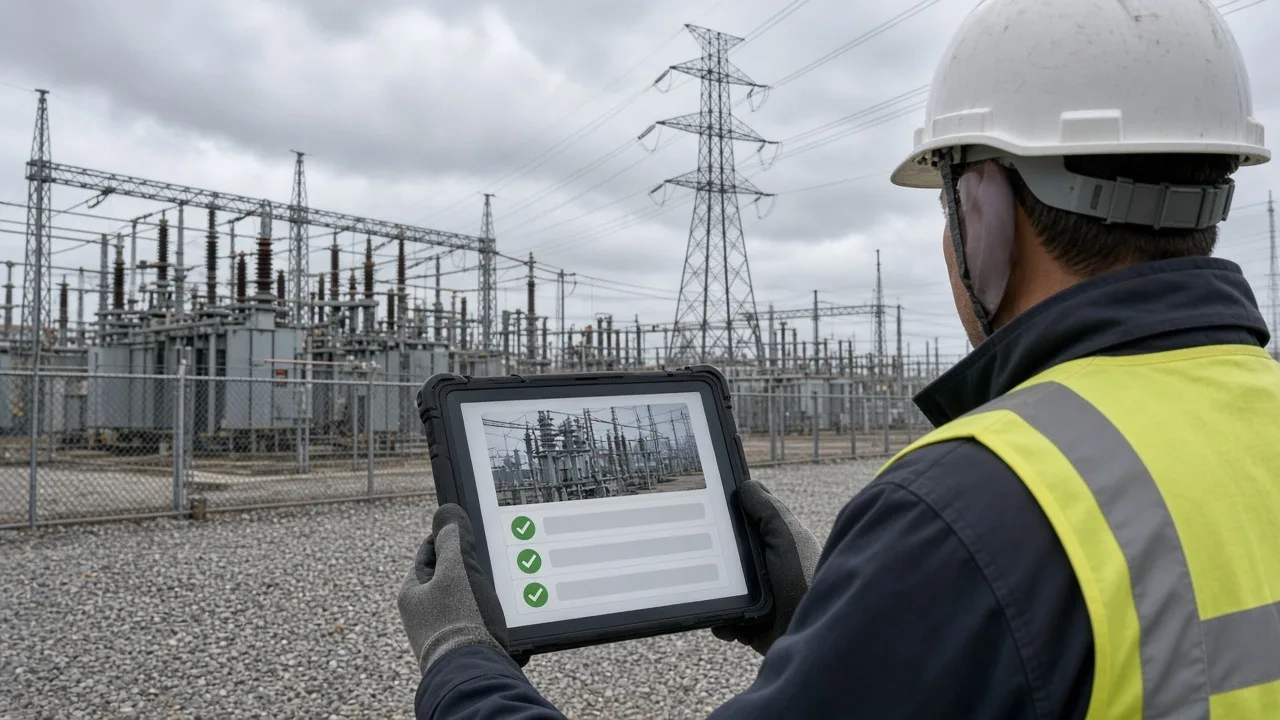
Field teams need tablets that work where the job is: on a job site, at a storefront, in a parking lot or door to door. Renting Android tablets is a practical way to equip a survey crew, an inspection team or a short-term project without buying devices that sit in a closet afterward.
This checklist covers how to set up rented Android tablets for field work so your team is ready on day one.
1. Define the field workflow
Start with what your team does in the field. Write down:
- The app or form they'll use to collect data.
- Whether they need photos, signatures, barcode scans or GPS location.
- How long a typical shift is, and whether they'll have power during the day.
- Whether they'll always have cell or Wi-Fi coverage.
These answers drive almost every other decision, from the tablet model to the case and charging plan. Our field team solutions page covers common use cases.
2. Choose the right tablet and case
Android tablets range from slim models to rugged devices built for drops, dust and rain. For field work, consider:
- Screen size: Larger screens are easier to read for forms and maps. Smaller ones are easier to carry all day.
- Durability: If tablets will be used outdoors, on ladders or in vehicles, ask for rugged tablets or rugged cases.
- Outdoor readability: Bright screens are easier to read in sunlight.
- Hand straps and shoulder straps: These help prevent drops when workers are moving.
3. Plan connectivity
Decide how data gets from the tablet to your office.
- Cellular data: Ask whether you need tablets with cellular service or paired connectivity options like hotspots.
- Wi-Fi only: Works if teams sync at the office, a hotel or a vehicle hotspot.
- Offline mode: Many field apps store entries on the device and sync when a connection returns. Test this before you rely on it.
If your project covers rural areas, plan for offline use even if you expect coverage.
4. Install and test your app
Install your field app, sign in and run a full test. Do this on the same model you're renting, not just on a phone. Check that:
- Forms fit the screen and the keyboard doesn't hide fields.
- Photos attach correctly and upload at a reasonable size.
- GPS location records accurately.
- Data syncs to your back office as expected.
We can preload your app on every tablet before they ship. Just tell us which app in your quote request.
5. Lock down what the tablet can do
Field tablets work best when they only do the job. Android includes app pinning, and management tools can lock a device to approved apps. Consider:
- Limiting the home screen to the field app, camera and settings your team needs.
- Turning off app store access.
- Setting a screen lock PIN.
- Using a management tool if you're deploying a large fleet.
6. Plan charging for long shifts
Field tablets often run all day with the screen on, GPS active and data syncing. Plan for it:
- Charge every tablet fully each night. A charging station makes this easier for larger teams.
- Give teams in vehicles car chargers.
- Consider portable battery packs for long shifts away from power.
- Lower screen brightness when possible, and close apps that aren't needed.
7. Label and track devices
Number each tablet and case, and keep a simple sign-out sheet. Note which worker has which tablet each day. This makes it easy to follow up on a missing device or a data problem, and it simplifies packing at the end of the project.
8. Train your field team
A short training session pays off. Show workers how to:
- Open the app and start a new entry.
- Take and attach photos.
- Check whether data has synced.
- Restart the tablet if it freezes.
- Report a problem with the tablet.
9. Plan the end of the project
When the project wraps up, confirm all data has synced to your system. Then sign out of accounts, erase any locally stored data and return the tablets to their original packaging with chargers and accessories.
RentOurTablets.com rentals ship nationwide to your office, hotel or job site, with prepaid return labels for the return trip. If you'd like someone to deliver and set up devices in person, on-site setup is available as an extra-cost add-on in many areas.
Get your field team equipped
Tell us about your project, team size, dates and locations. Request a quote, and we'll help you choose the right Android tablets and accessories.