iPad, Android or Surface? How to Choose the Right Tablet Rental for Your Project
· By admin · Tablet Rentals, Microsoft Surface
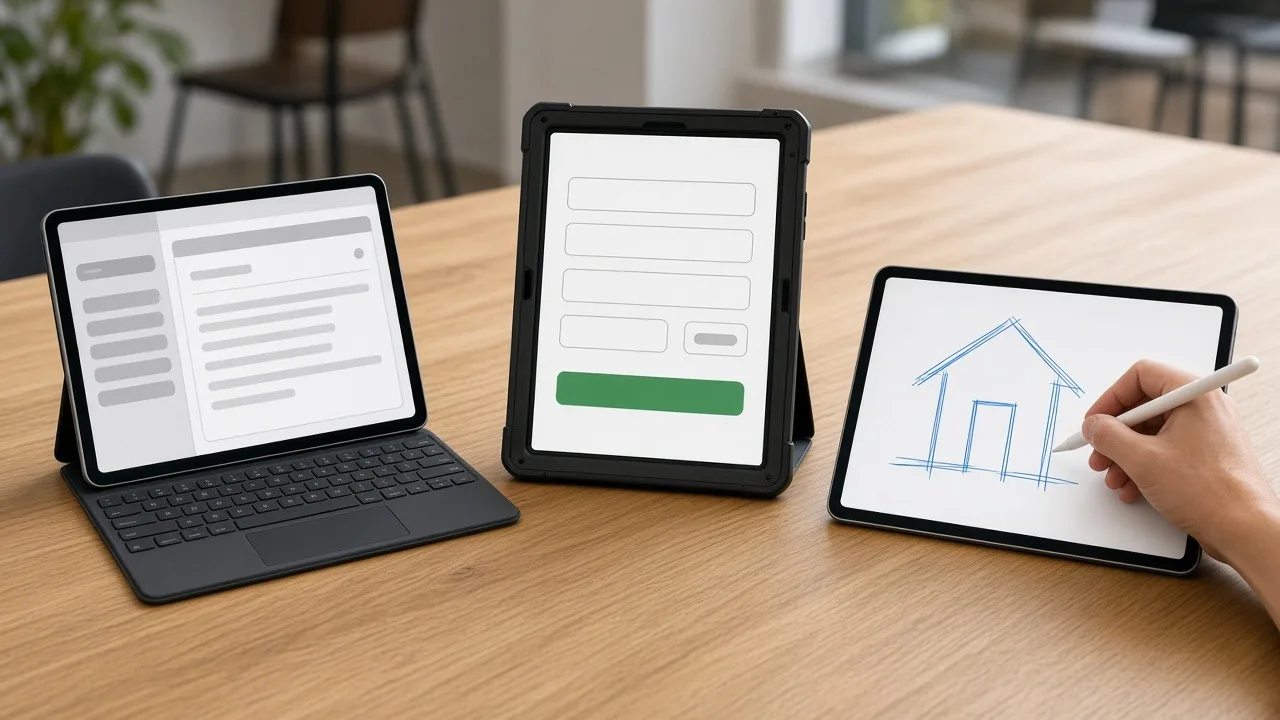
When you rent tablets, the first question is usually which kind. iPads, Android tablets and Microsoft Surface devices can all handle check-in, presentations, surveys and training. But they differ in the apps they run, how they're managed, and what accessories work best. Picking the right platform up front saves time setting up and avoids surprises on event day.
Here's a practical way to choose.
Start with the app or website you'll use
The single most important factor is the software. Before you compare hardware, answer these questions:
- Does your app run on iPadOS, Android, Windows or all three?
- Is it a website that works in any modern browser?
- Does it need a specific feature, like a camera for scanning, a stylus or a USB device?
If your app only runs on one platform, the decision is made. If it's a web app, you have more freedom, and other factors like cost, accessories and familiarity can decide.
iPad rentals
iPads are the most familiar tablets for many people. Attendees and staff usually know how to use them without instructions, which matters at a busy event.
iPads are a good fit when:
- Your app is built for iPadOS, or it's a web app.
- You want a polished, consistent look across many devices.
- You need kiosk-style lockdown. iPadOS includes Guided Access, which keeps a tablet in a single app.
- You're planning a brand activation, check-in station or retail-style display.
There's a wide range of iPad stands, enclosures and cases, which makes them easy to fit into a booth or registration area.
Android tablet rentals
Android tablets come in many sizes and builds, from slim consumer models to rugged tablets built for outdoor and field work.
Android tablets are a good fit when:
- Your app is built for Android or uses Android-specific management tools.
- You need a rugged device for field work, warehouses or outdoor events.
- Your team already uses Android phones and knows the interface.
- You want flexible options for screen size and accessories.
Android also works well for single-app kiosk setups using built-in pinning features or a management tool.
Microsoft Surface rentals
Microsoft Surface devices run full Windows. That makes them more like a laptop in a tablet shape.
Surface devices are a good fit when:
- Your software is a Windows desktop application.
- Users need Microsoft Office or other Windows tools with full features.
- You want a tablet that becomes a laptop with a keyboard cover.
- You're running training on Windows software.
Surface devices usually take a bit more setup than a consumer tablet, since Windows updates and account sign-ins need attention. Plan time for that before the event.
Think about management and setup
If you're renting more than a handful of tablets, think about how they'll be set up:
- Do they need your app installed and signed in?
- Should they connect to a specific Wi-Fi network?
- Do they need to be locked to one app?
- Should they all look identical, with the same home screen and settings?
Tell us your setup needs when you request a quote. We can preload your apps before the tablets ship. Every hour of setup done ahead of time is an hour your team gets back on site.
Match accessories to the use
The right accessories turn a tablet into a working station. Common choices include:
- Kiosk enclosures and floor stands for check-in and self-service.
- Point-of-sale stands for payments and retail pop-ups.
- Rugged cases for field teams and high-traffic events.
- Keyboards for data entry and Surface laptop-style use.
- Charging stations for fleets that need to be ready every morning.
Browse our tablet accessories to see what pairs with each platform.
A quick decision guide
- Choose iPad for familiar, polished check-in, kiosks and activations.
- Choose Android for rugged field work, Android-only apps and flexible sizes.
- Choose Surface for Windows software, Office work and training.
- Choose any platform for web apps, then decide on accessories and familiarity.
Delivery and support
RentOurTablets.com tablets ship nationwide to your office, venue, hotel or job site, with prepaid return labels for the return. On-site setup is available as an extra-cost add-on in many areas if you'd like a technician to install stands and set up devices in person.
Get a recommendation
Not sure which tablet fits your project? Tell us what you're running, how many people will use the tablets and where. Request a quote, and we'll recommend the right platform and accessories.